Scratch adalah aplikasi Pendidikan yang dikembangkan oleh Scratch Foundation dan dapat dijalankan di perangkat mobile, tetapi dengan menggunakan emulator Android terbaik - LDPlayer, Anda dapat mengunduh Scratch dan menjalankannya di komputer Anda.
Dengan menjalankan Scratch di komputer, Anda dapat menjelajah dengan jelas di layar yang lebih besar, serta mengendalikan aplikasi dengan menggunakan mouse dan keyboard jauh lebih cepat daripada menyentuh layar, dan Anda tidak perlu khawatir tentang kekuatan perangkat Anda.
Berkat fitur multi-instance dan sinkronisasi, Anda juga dapat menjalankan aplikasi dan akun ganda di komputer Anda.
Fungsi transfer file antara emulator dan komputer juga memudahkan berbagi foto, video, dan file.
Unduh Scratch dan jalankan di komputer Anda sekarang dan nikmati layar besar dan kualitas gambar yang tajam untuk versi PC!
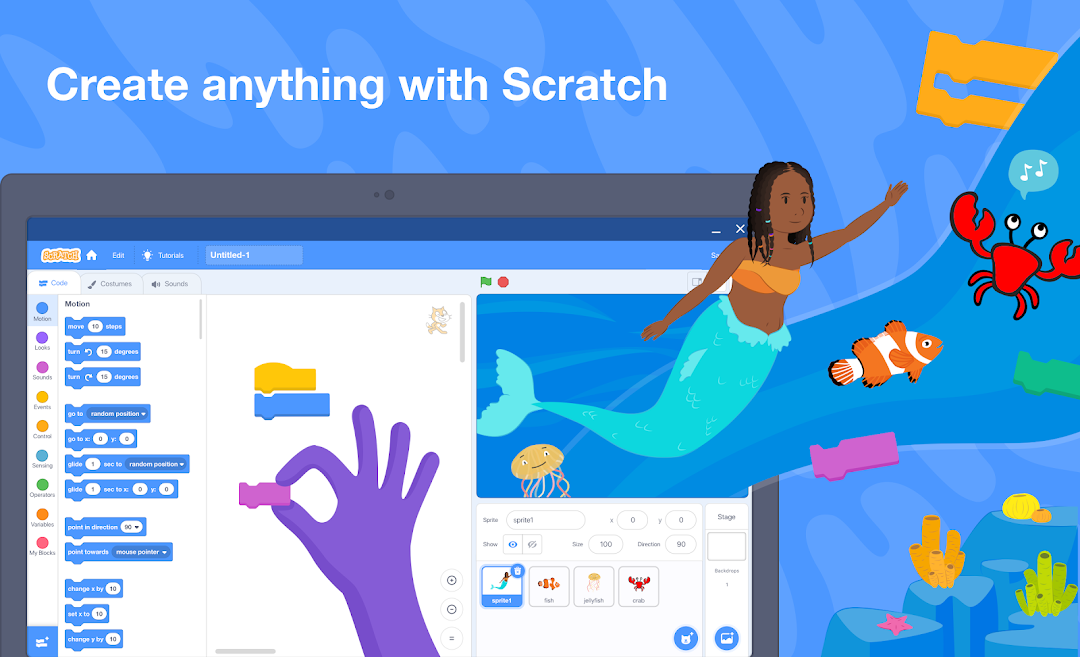
The official Scratch app for Chrome and Android tablets!Scratch is used by millions of kids around the world both in and outside of school. With Scratch, you can code your own interactive stories, games, and animations, then share with your friends, classroom, or a global community of creators.
Create anything with Scratch!
Choose from a library of characters and backdrops or create your own
Choose from a library of sounds or record your own
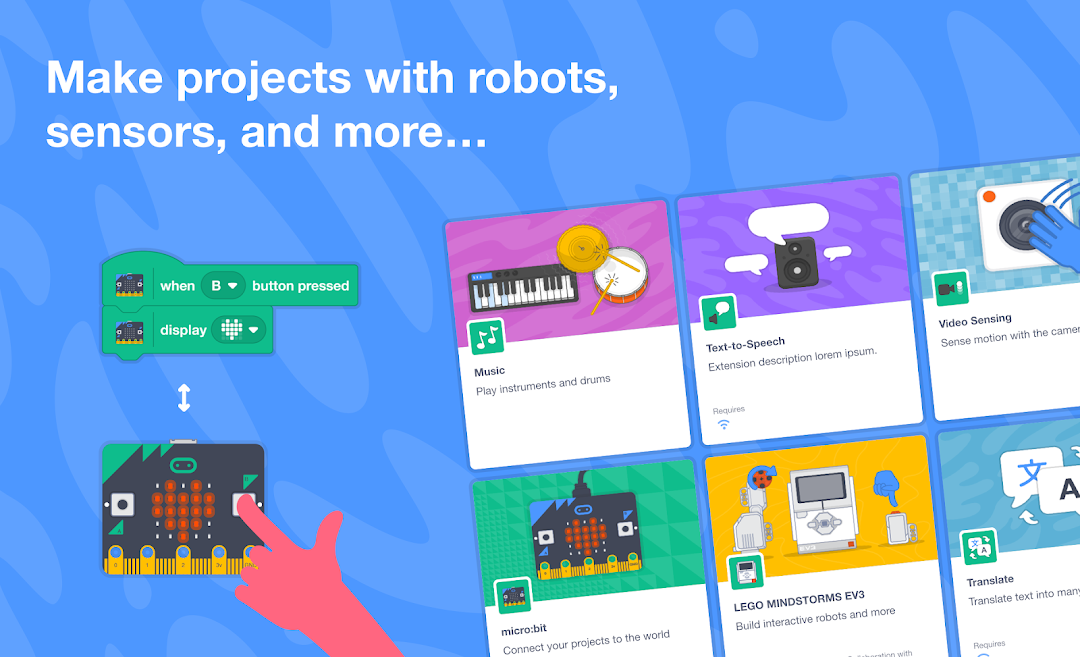
Connect to and code physical devices in the world like micro:bit, Makey Makey, LEGO MINDSTORMS, your computer’s webcam, and more
WORK OFFLINE
Create and save projects without an internet connection
SHARE
Easily export and share projects with friends and family
Create an account and share to the global Scratch Community of creators
TUTORIALS
http://scratch.mit.edu/ideas
Get started or go further with new tutorials.
EDUCATOR RESOURCES:
http://scratch.mit.edu/educators
Get started with Scratch in your classroom with dozens of free resources for educators
FAQ
https://scratch.mit.edu/download